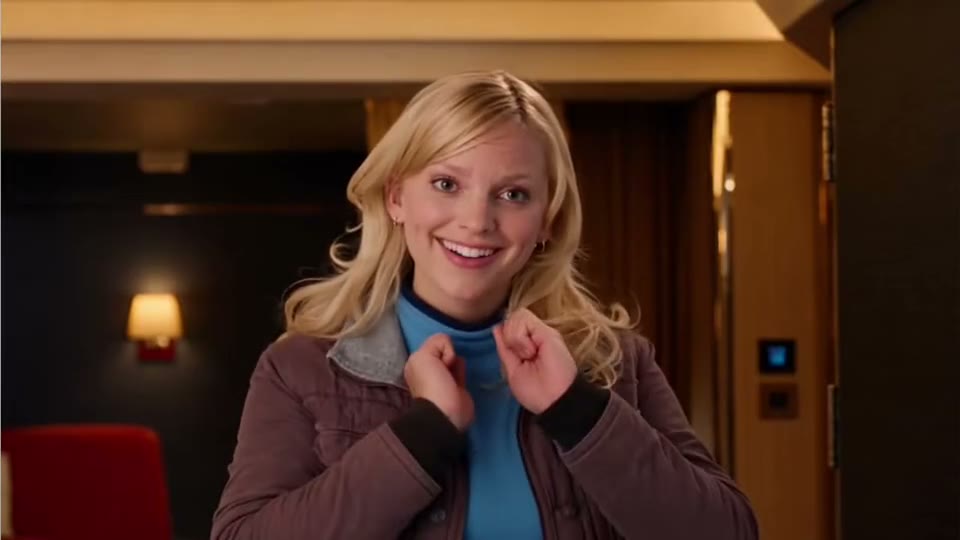
24k Magic AI
Pick a viral video or upload your own, add your photos, and you take over every move, the camera and the timing. Ready in 3 to 8 minutes.
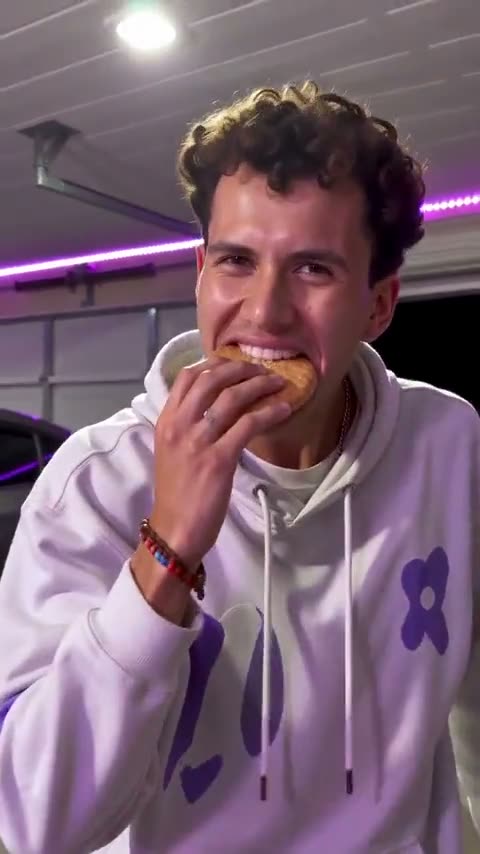
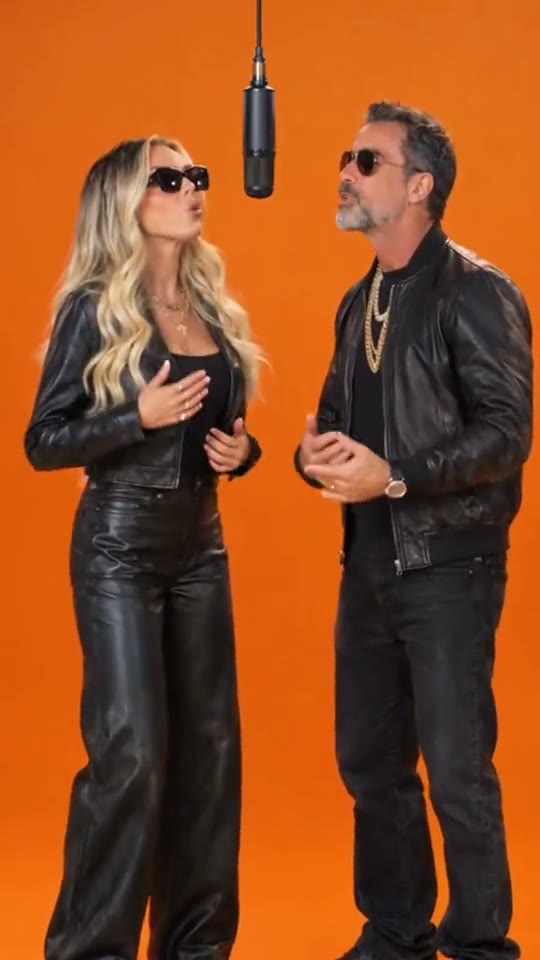
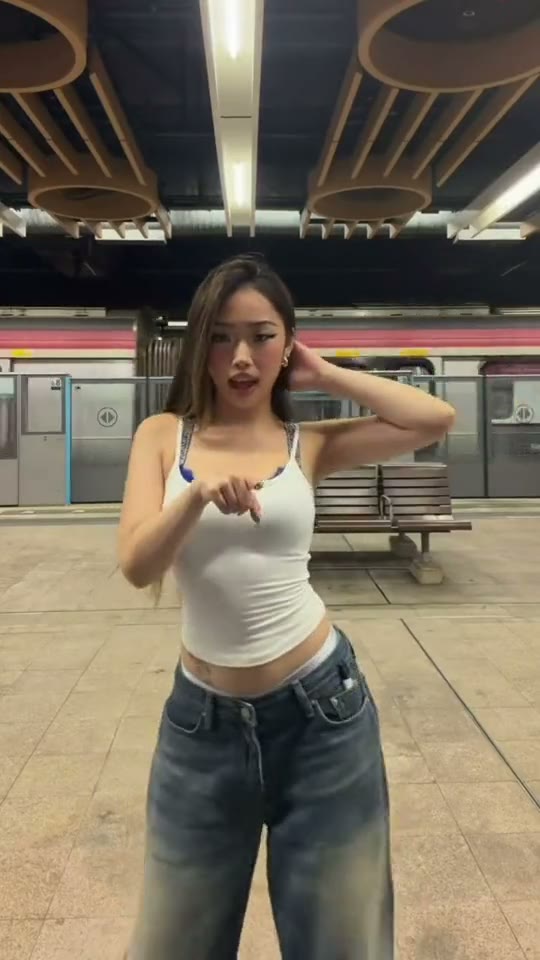
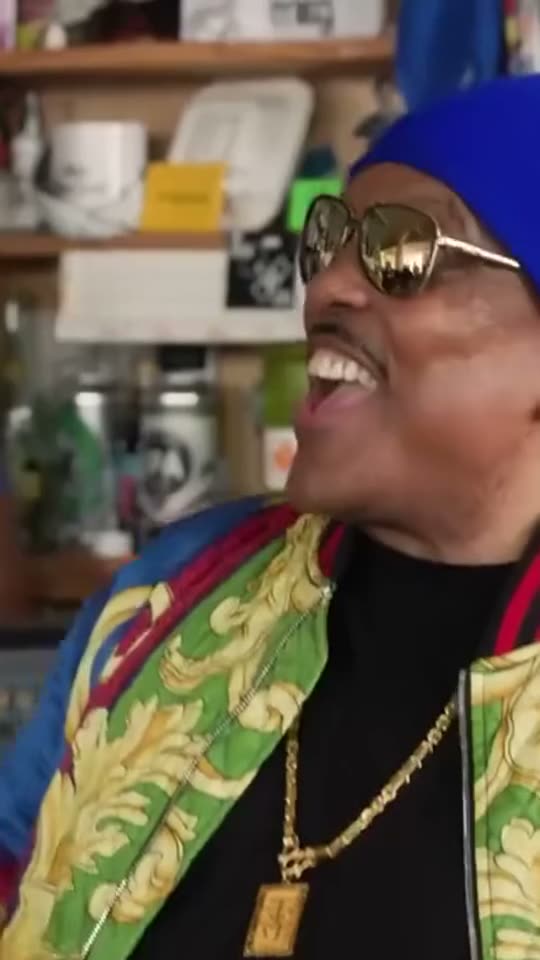
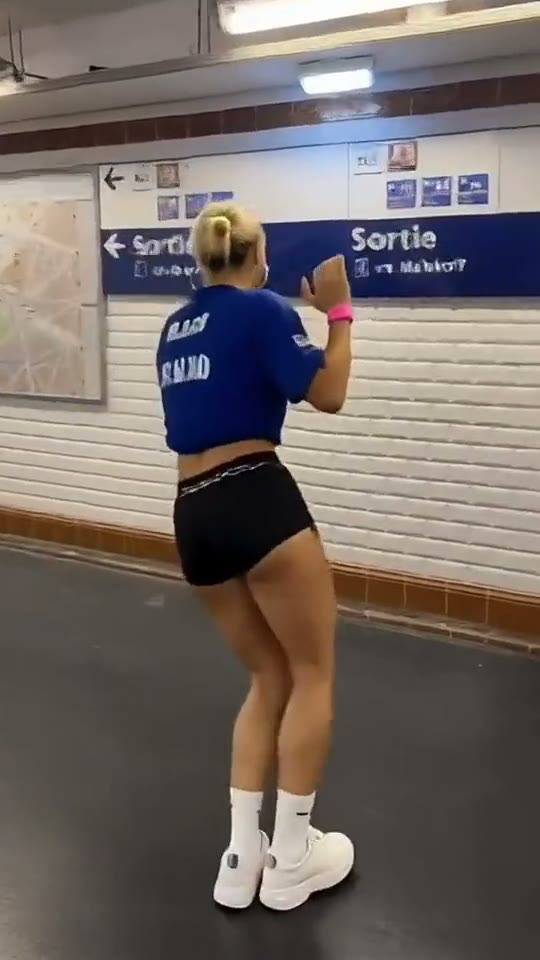
About SlapClip
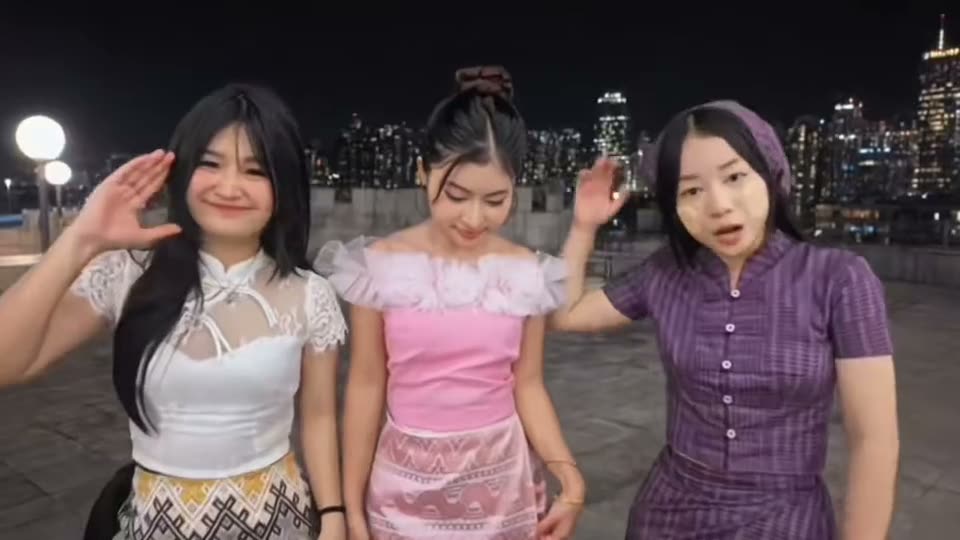
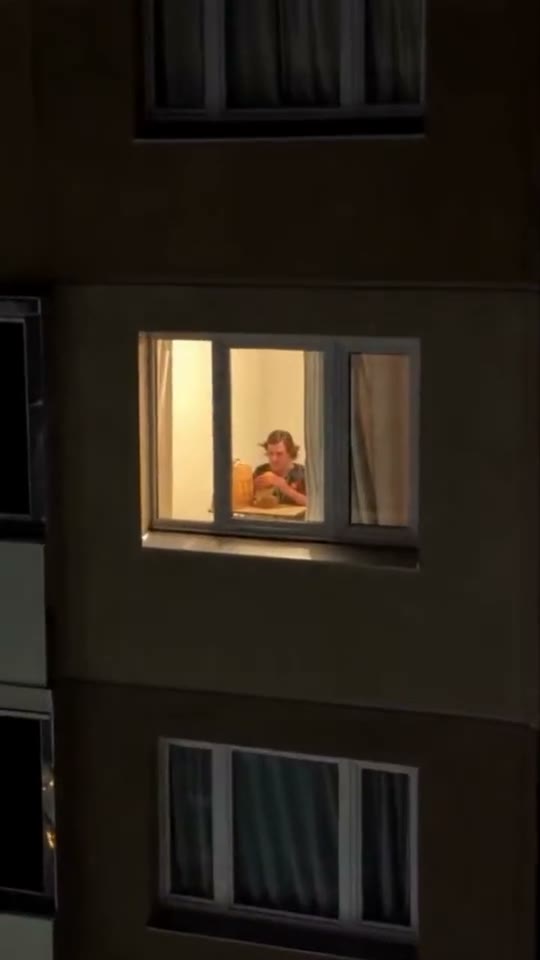
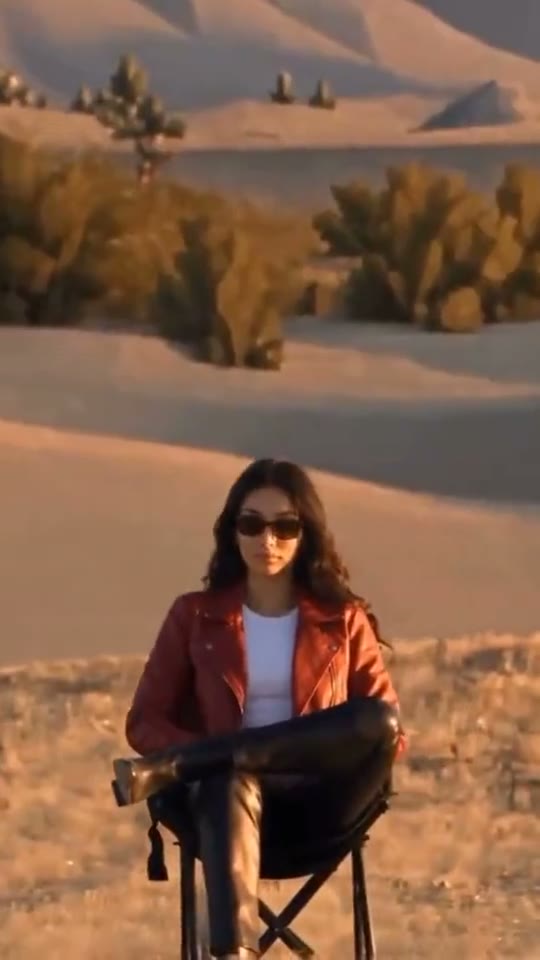
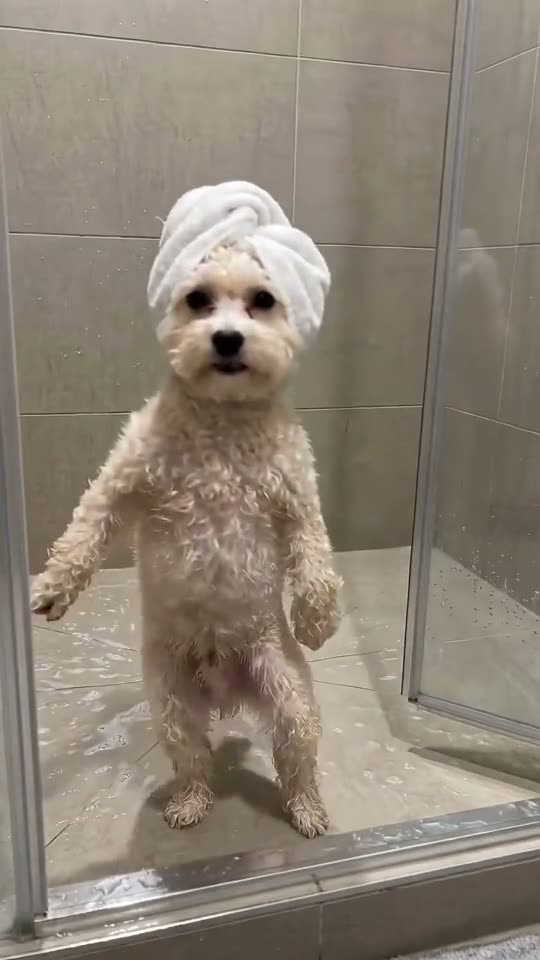
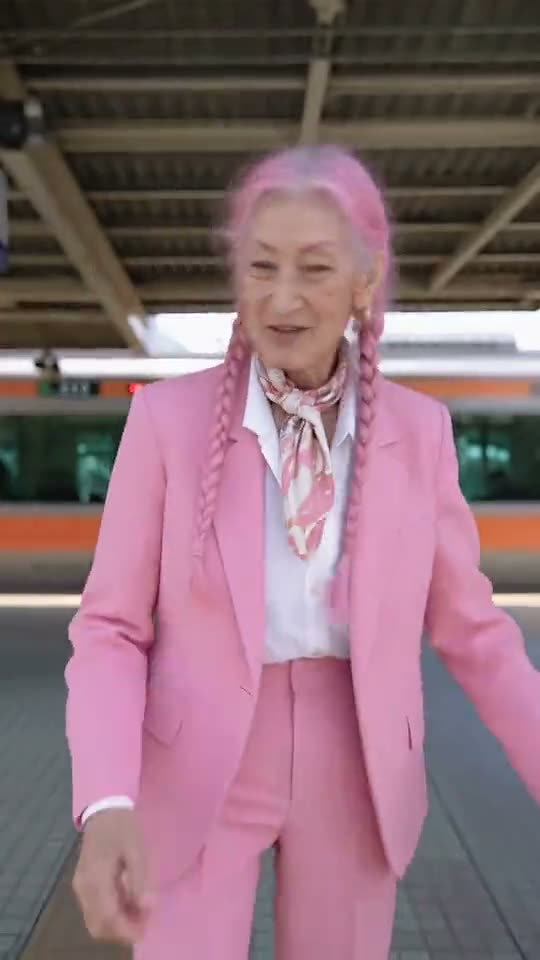
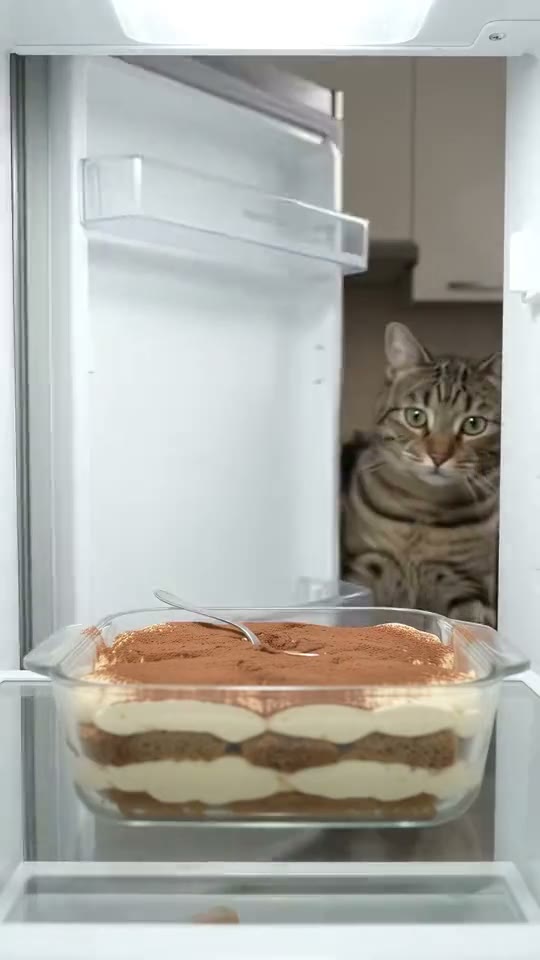
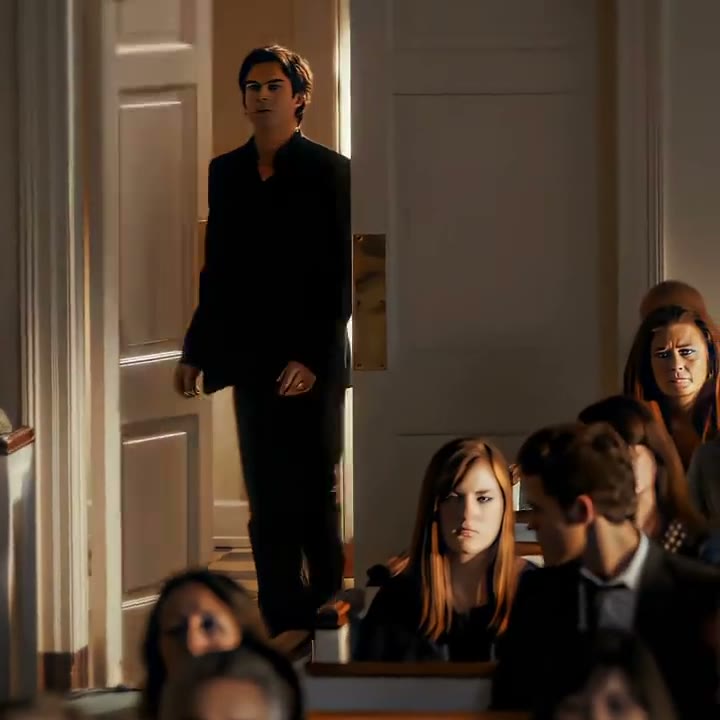
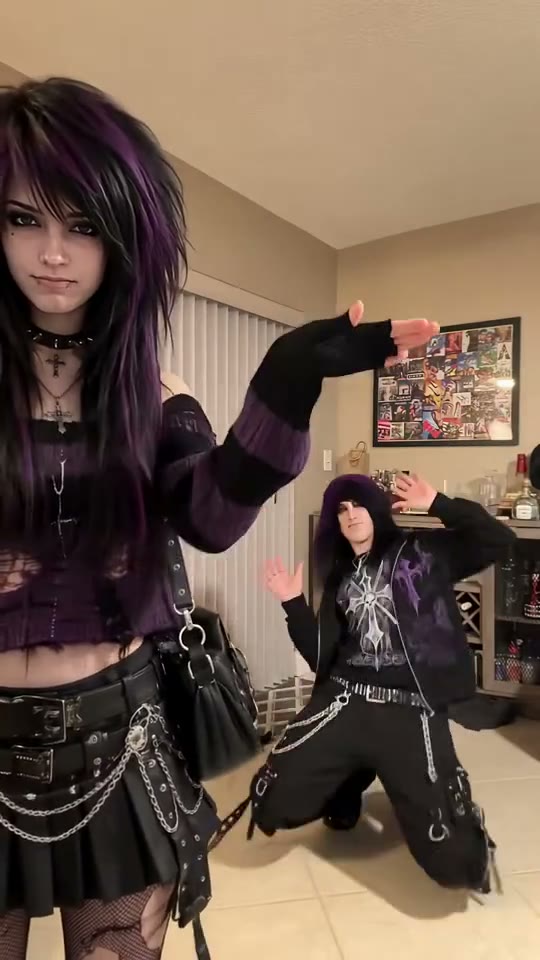
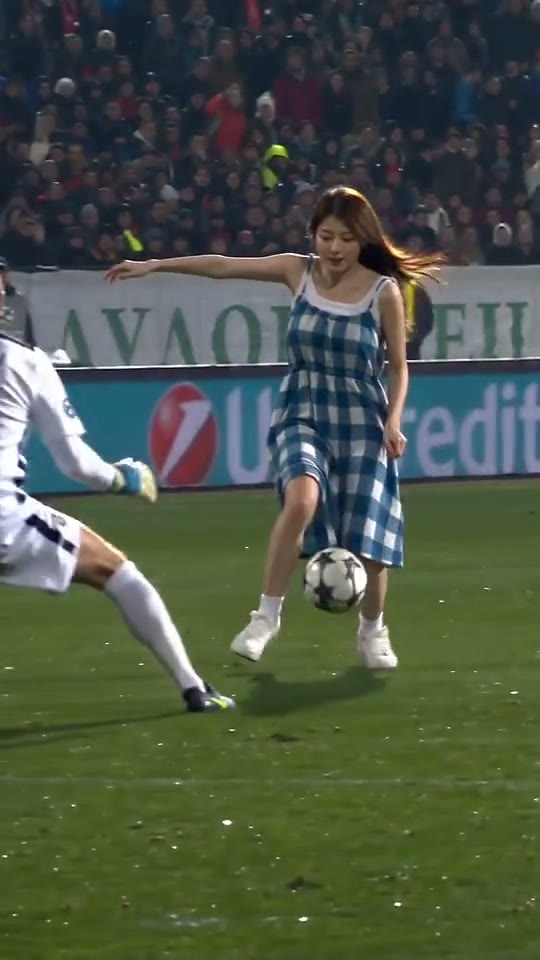
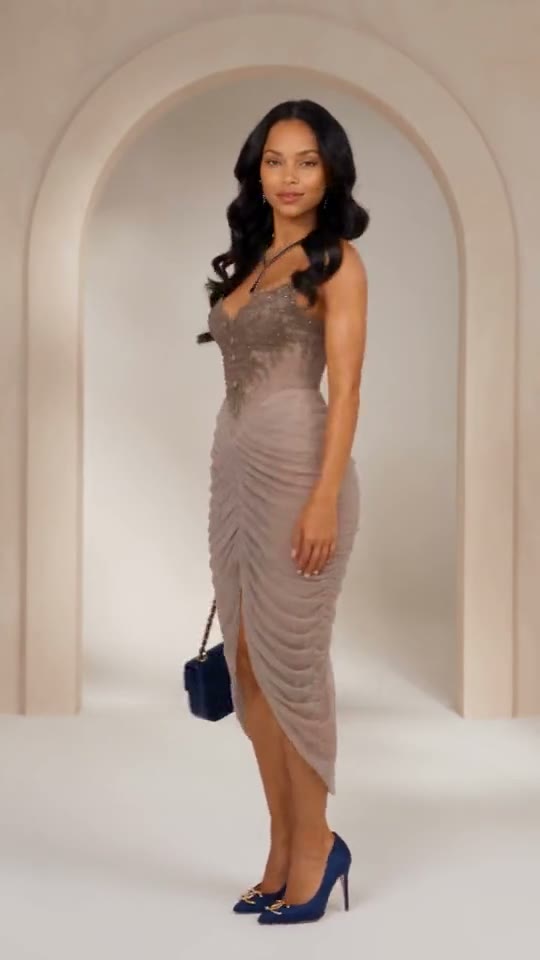
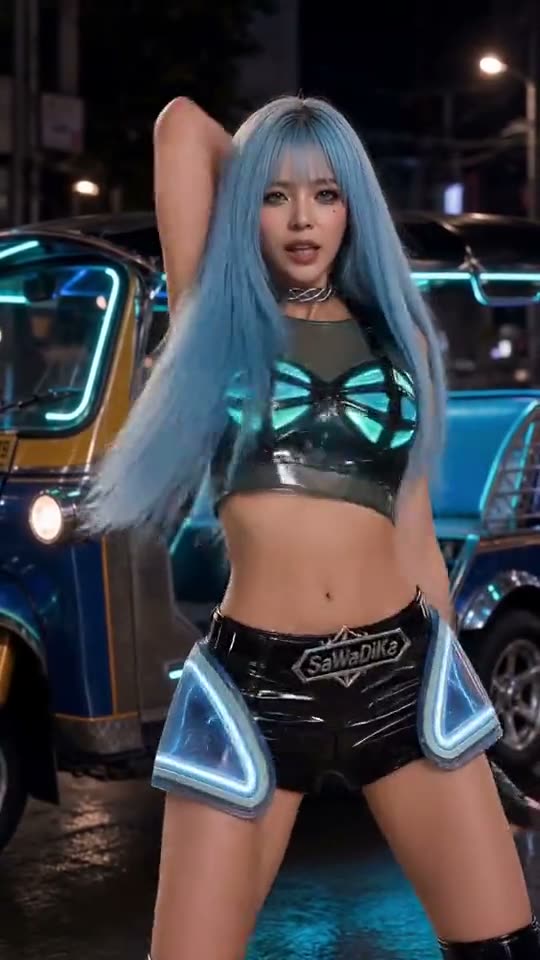
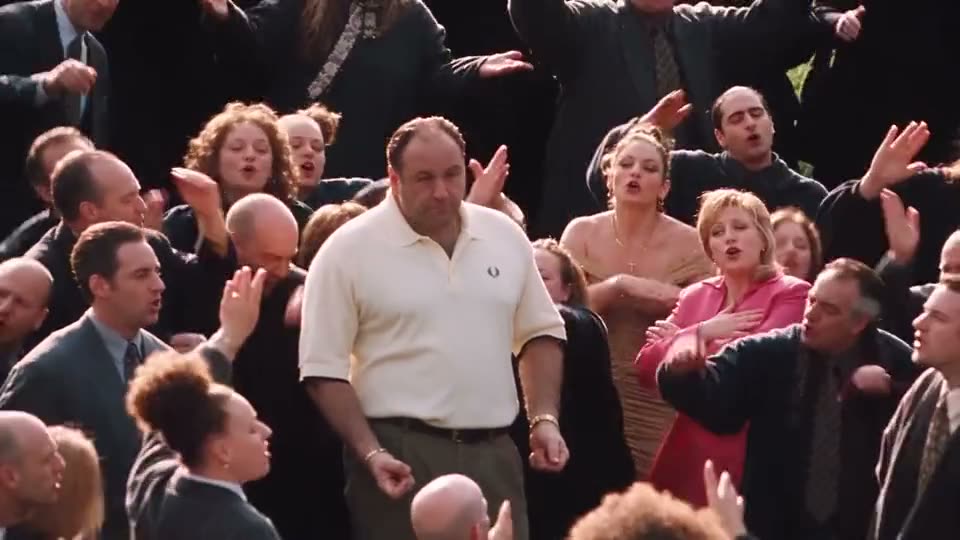
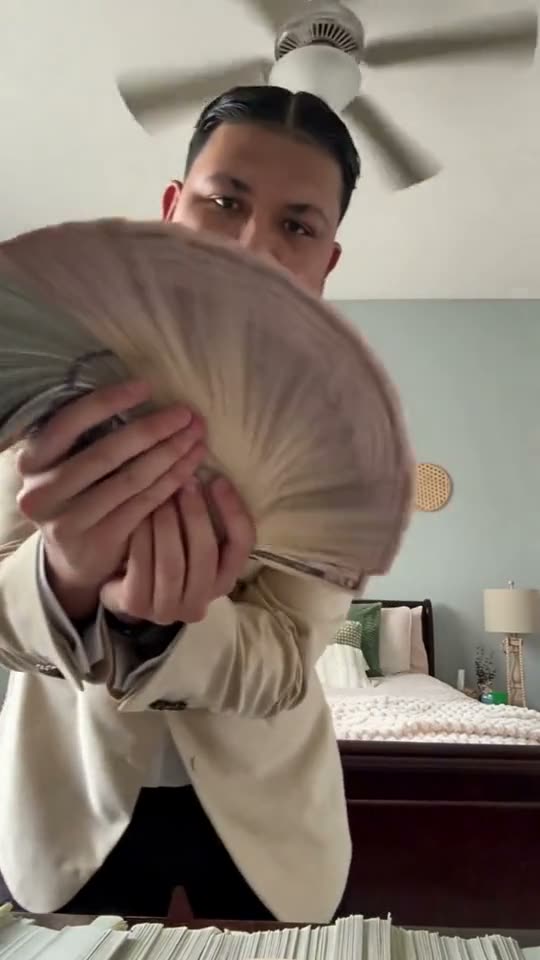
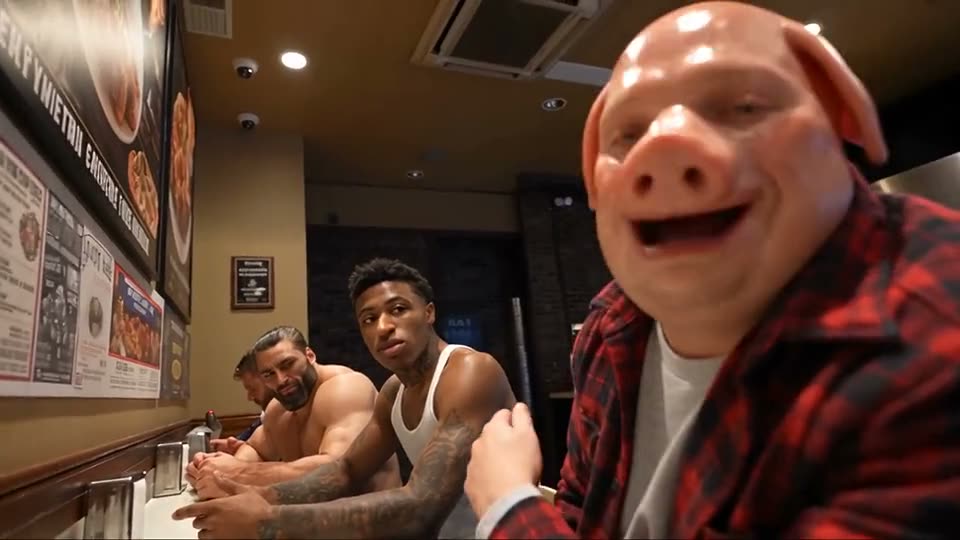
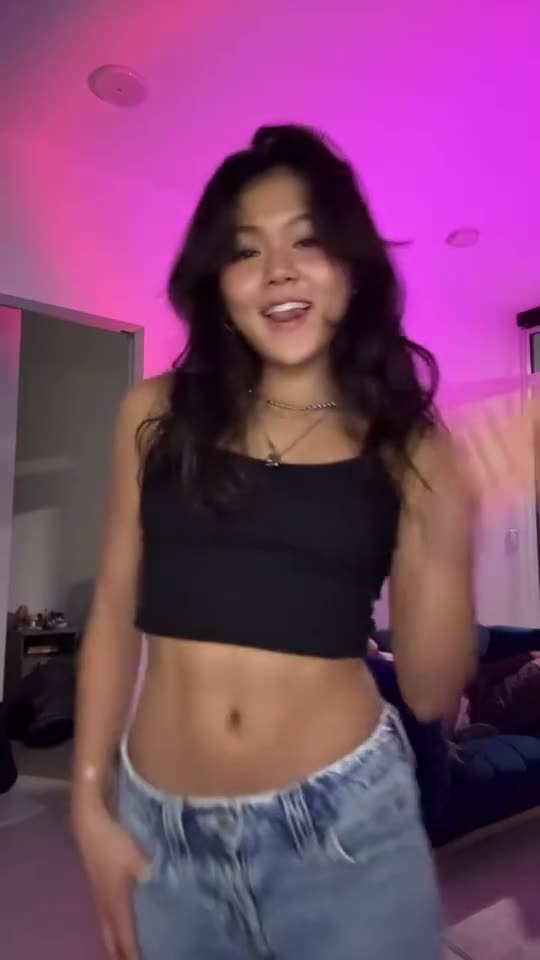
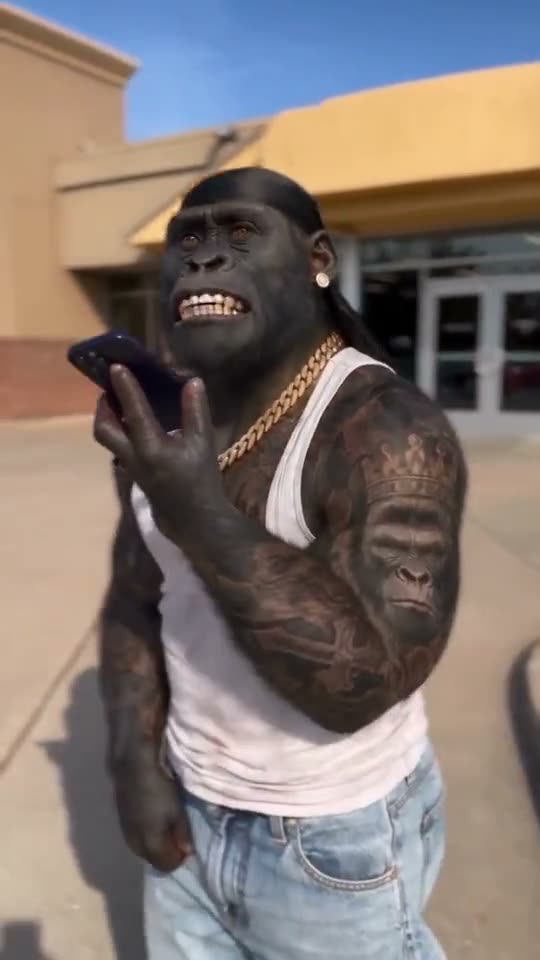
SlapClip is an AI meme video generator that puts you, your friends or your pet into any viral video. Pick a trending meme or upload a 4 to 30 second clip, add photos, and SlapClip recasts the whole clip with the people in them, keeping every move, camera angle and beat.
Face, hair, outfit and build come from your photos, not a face pasted onto someone else.
Start from a trending meme or upload any 4 to 30 second video of your own.
Up to 10 photos per video: friends, couples, your dog, even your car.
The choreography, camera moves and timing stay beat for beat.
The plan and price are shown before checkout.
They are never shown publicly. Download the MP4 with no watermark.
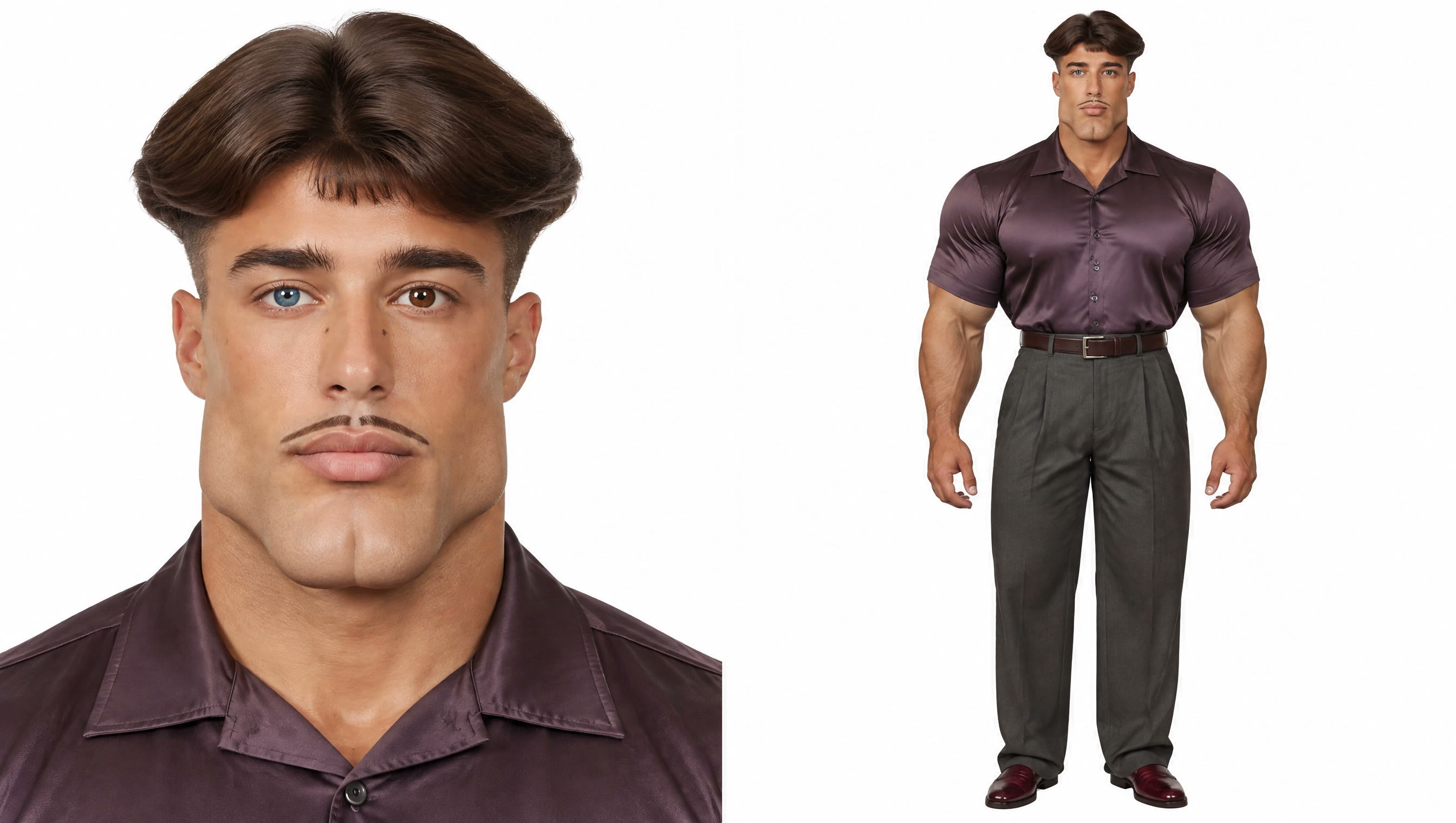 Original timing
Trending this week
Choose a format, add your people and make the version that is already climbing across TikTok and Reels.
Dance · 9 examples
Music · 8 examples
Reveal · 8 examples
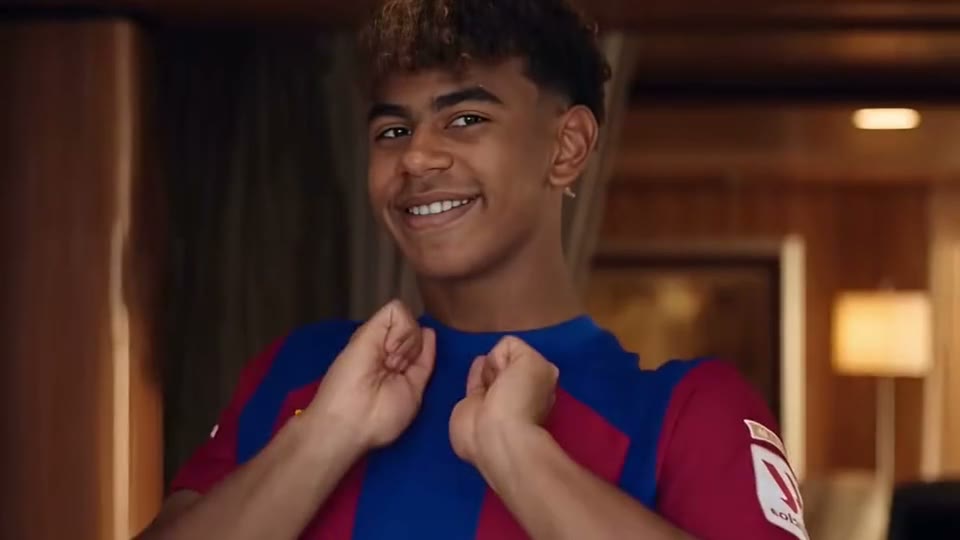 01
01Dance · 7 examples
02Dance · 8 examples
03Dance · 8 examples
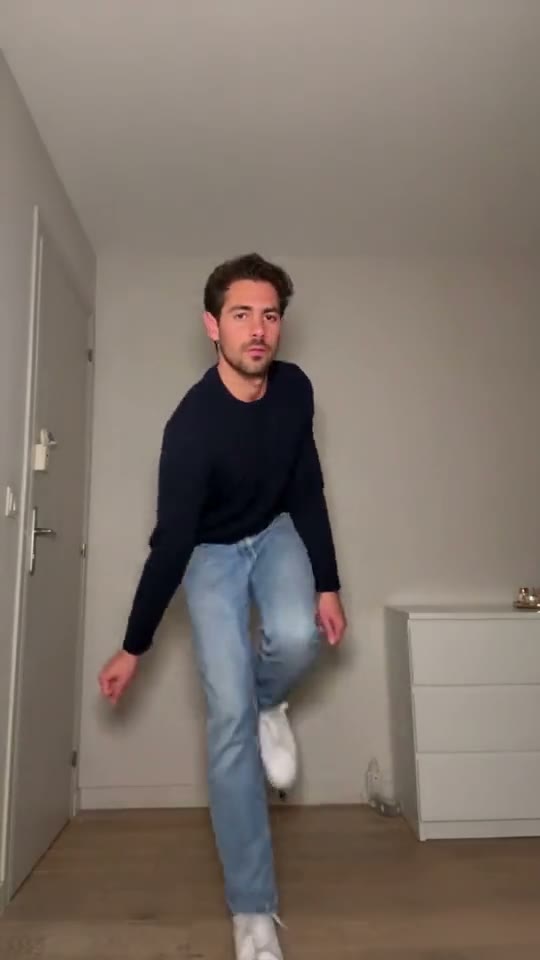 04
04Dance · 8 examples
05Dance · 8 examples
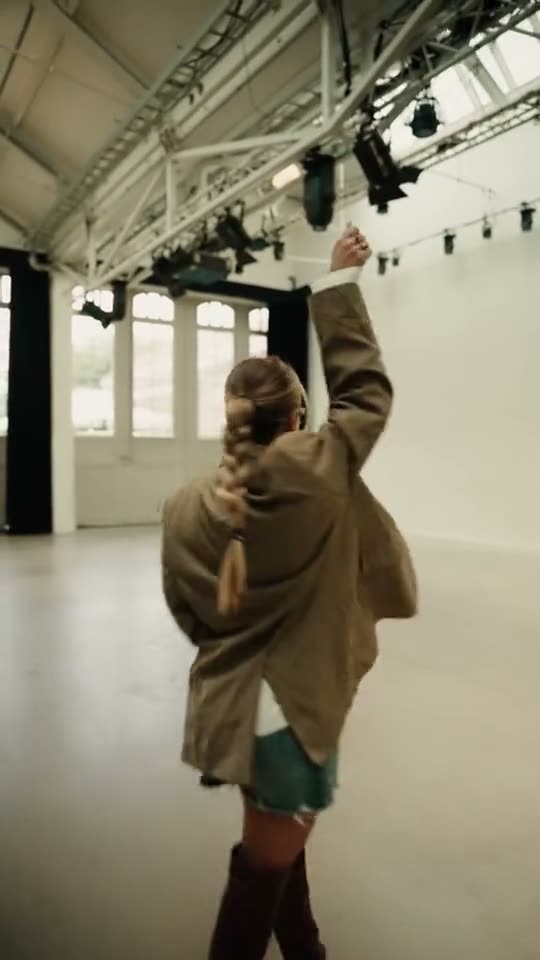 06
06Dance · 8 examples
07Comedy · 8 examples
08Comedy · 7 examples
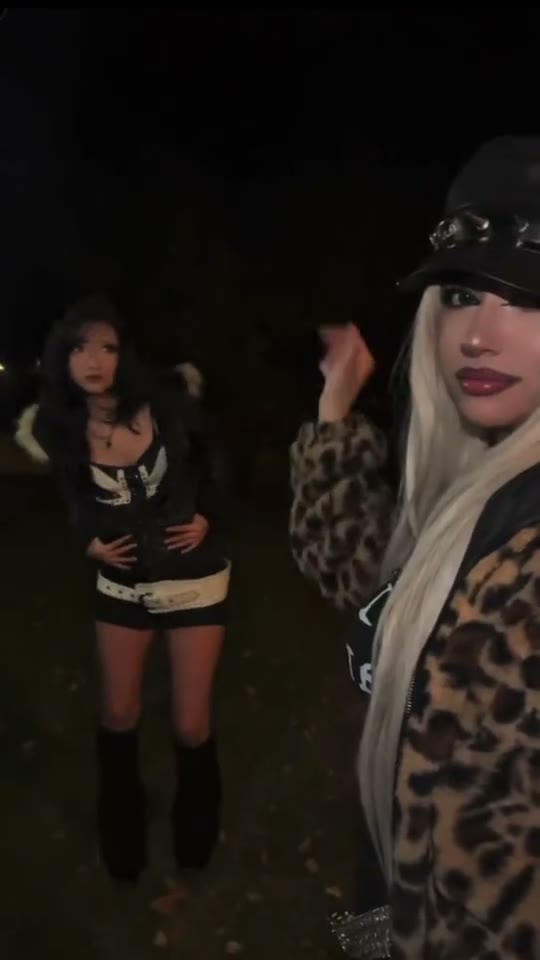 09
09Dance · 7 examples
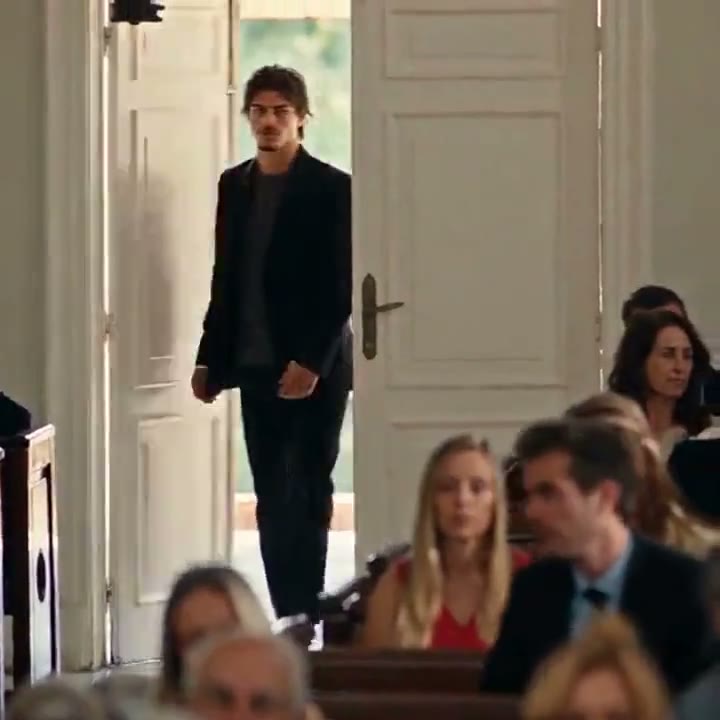 10
10Comedy · 7 examples
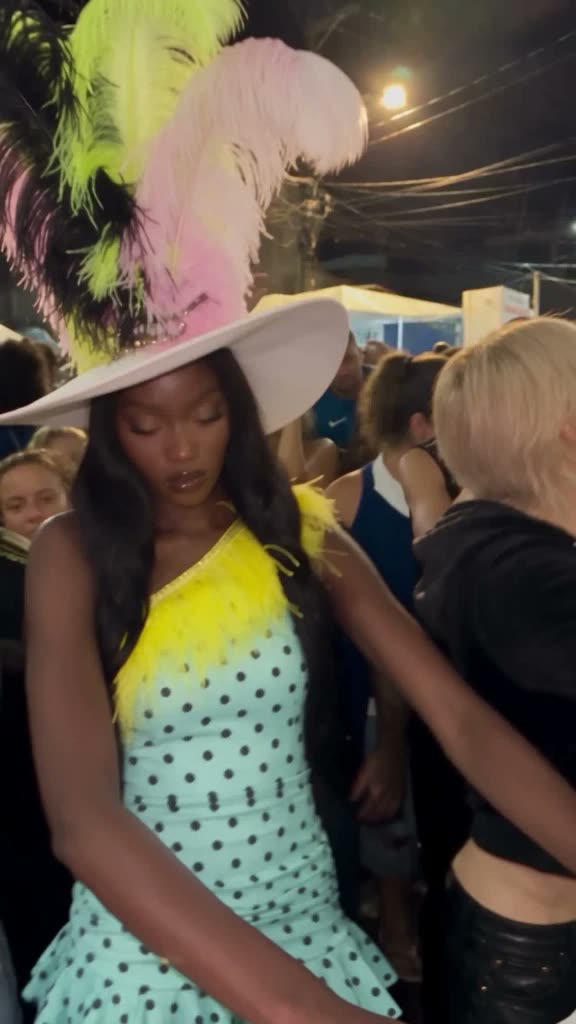
11Fashion · 6 examples
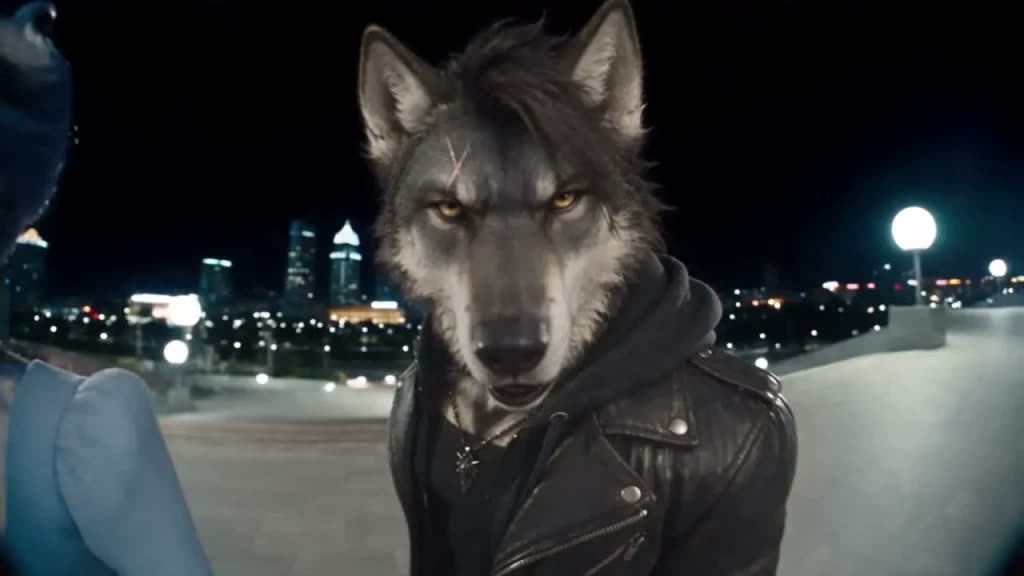
12Comedy · 7 examples
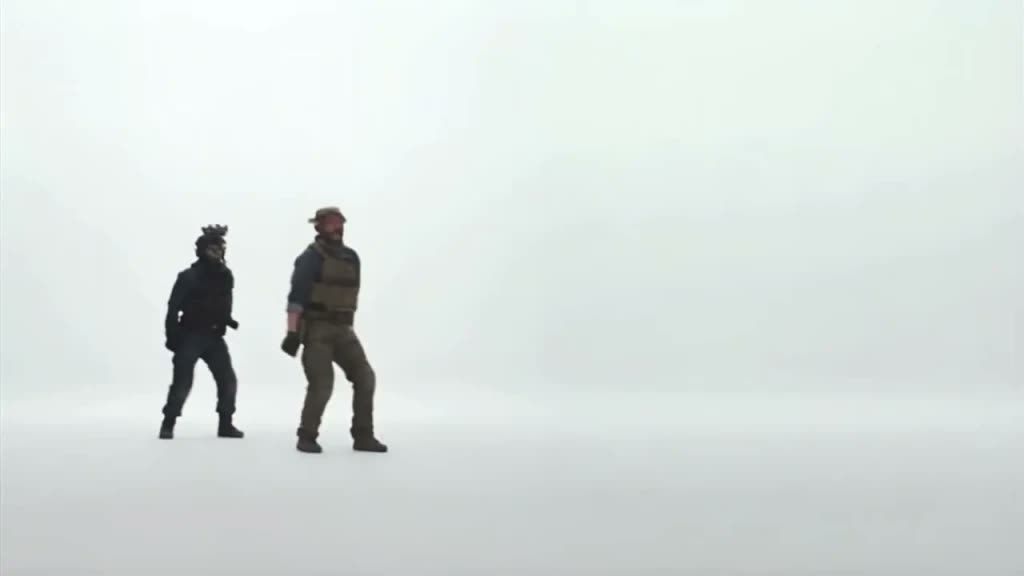
13Action · 7 examples
A new kind of video maker
A meme video generator turns a viral video into your own version. SlapClip does it two ways: drop your photos into a trend that is already set up, or upload any clip you like and change one person or everything in it.
Ride the wave
As soon as a trend starts to spread, the clip is cut and set up here. Add your photos and your version is ready while the sound is still climbing.
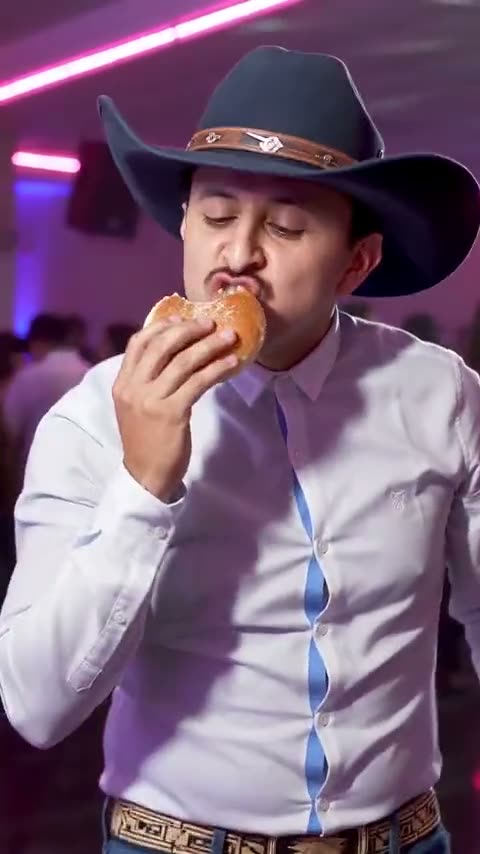
Bring your own clip
Upload any 4 to 30 second clip and change what is in it. Swap one person or the whole cast, let your dog do the dance, or put your product in the hero shot.
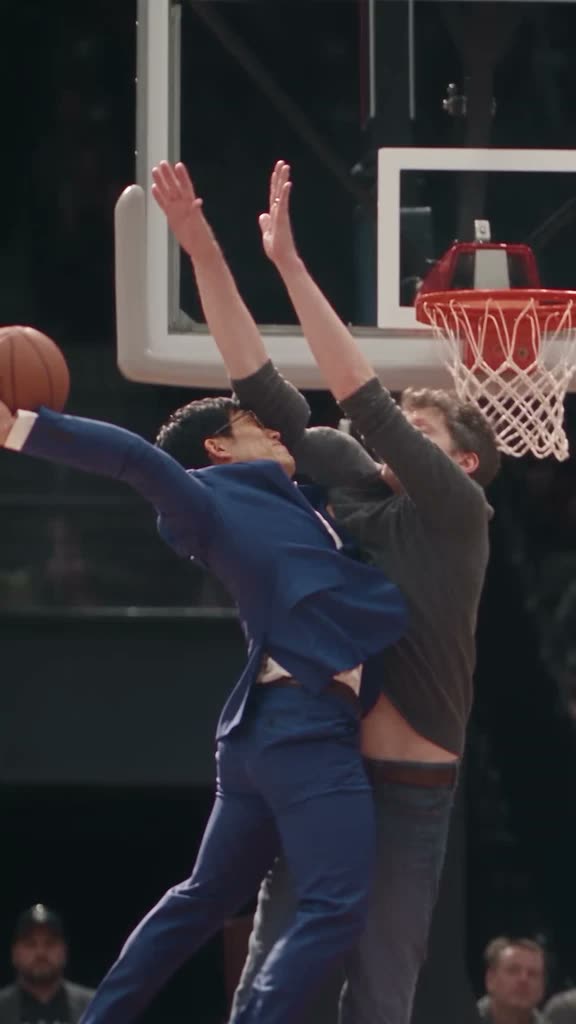
A fast workflow designed for posting while the trend is hot.
Use up to 10 reference photos in a single video.
Your photos are never shown in the public examples wall.
Simple by design
Everything happens in the generator at the top of this page. Pick a video, add your photos and choose your plan.
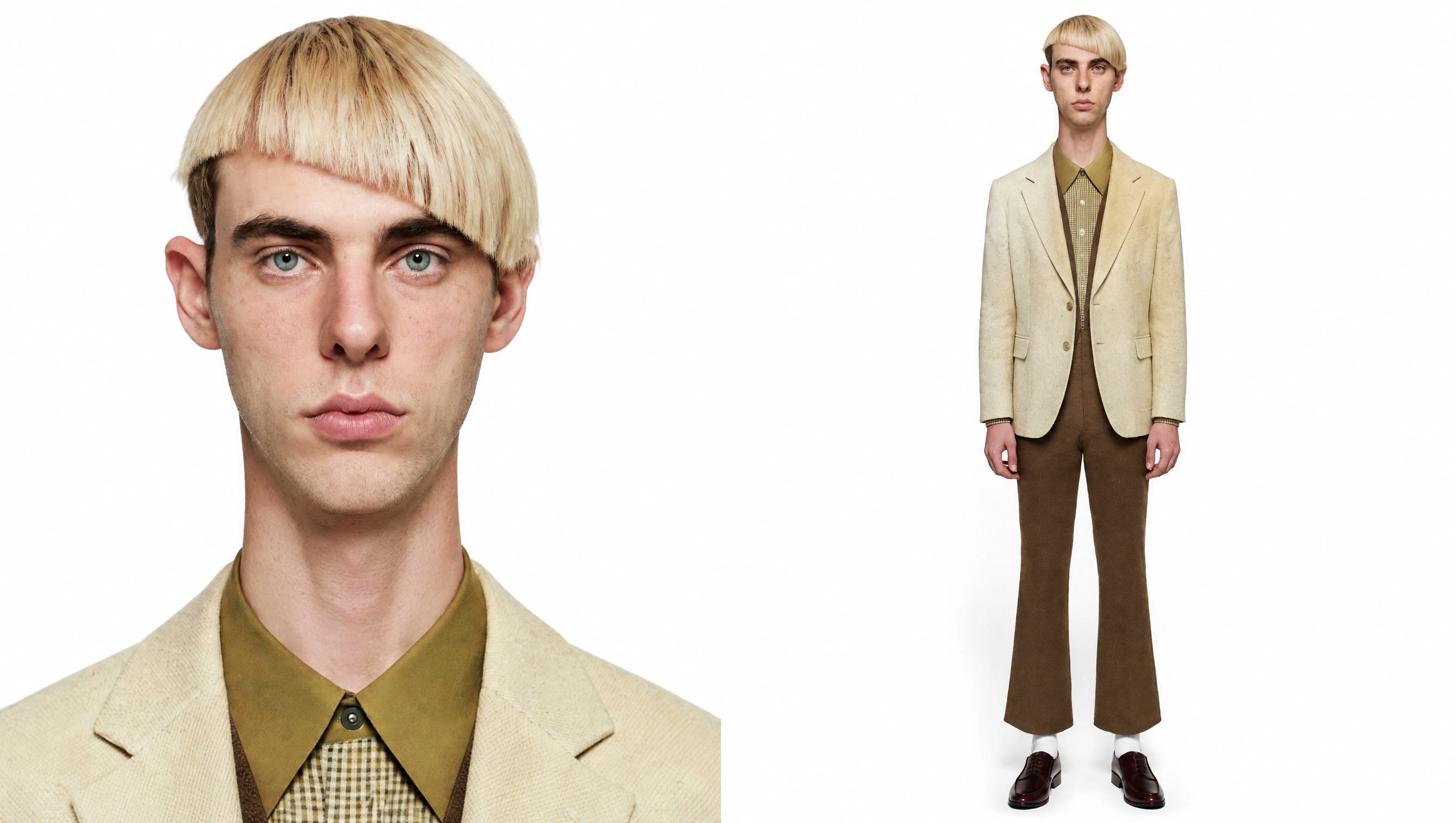
1Choose a trend from the wall or upload any 4 to 30 second MP4 or MOV.
 2
2Add one clear, front-facing photo per person, pet or product, up to 10.
 3
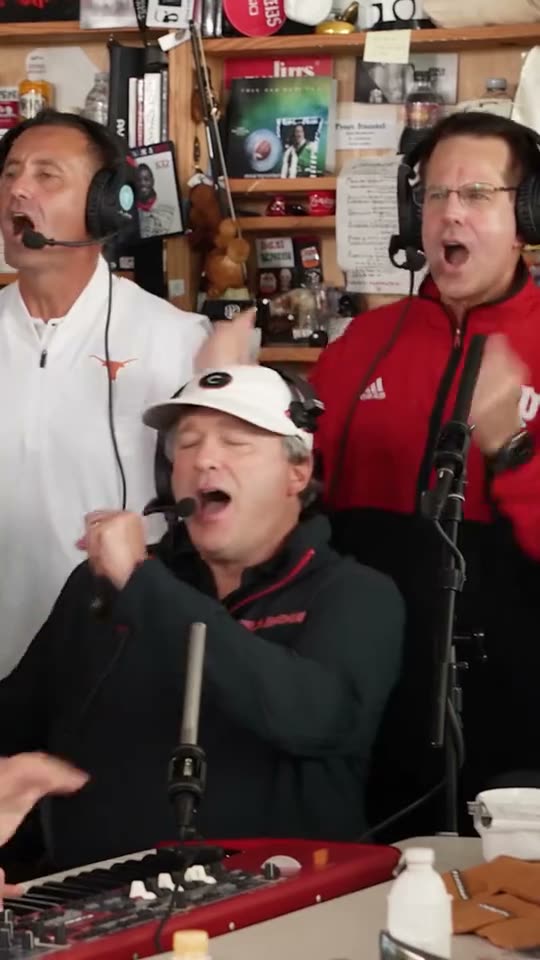
3Tap Generate after choosing your plan. Your finished video is designed to arrive in 3 to 8 minutes.
One generator, endless stories
If you have a photo, you can put anyone, any pet or anything into a viral video.
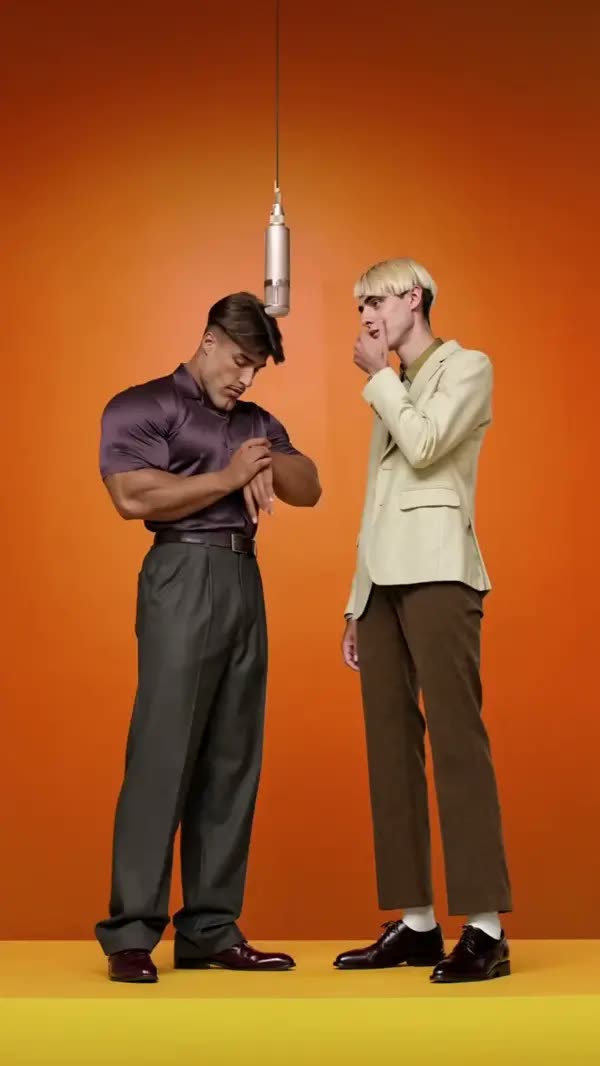
One photo from everyone in the group chat, one dance everyone is doing this week.
The two of you in the same viral video, the sweet kind people watch to the end.
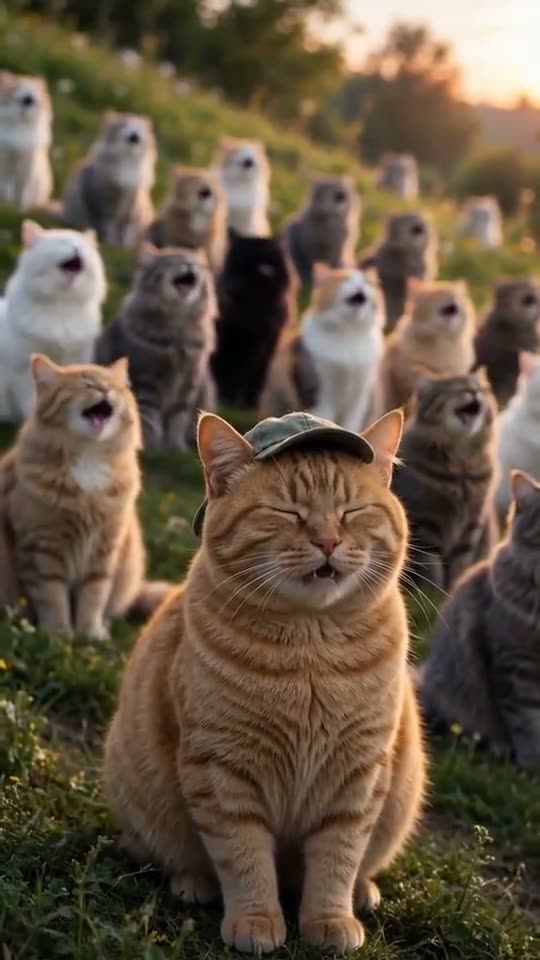
Put the relatives least likely to dance into the trend.
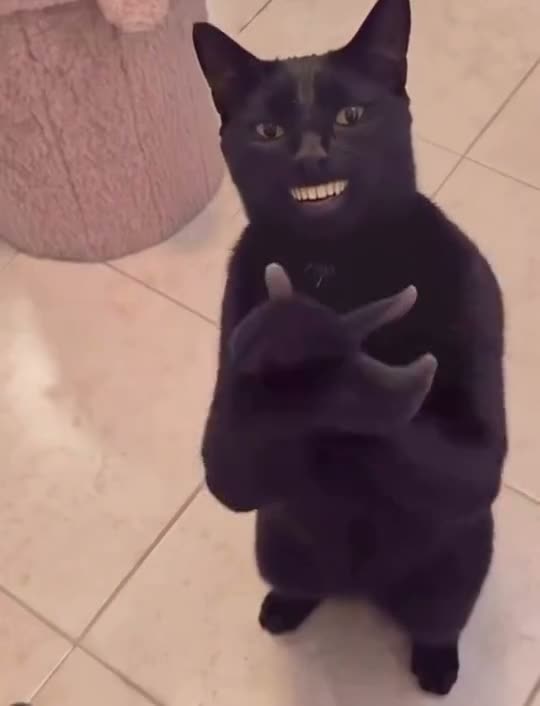
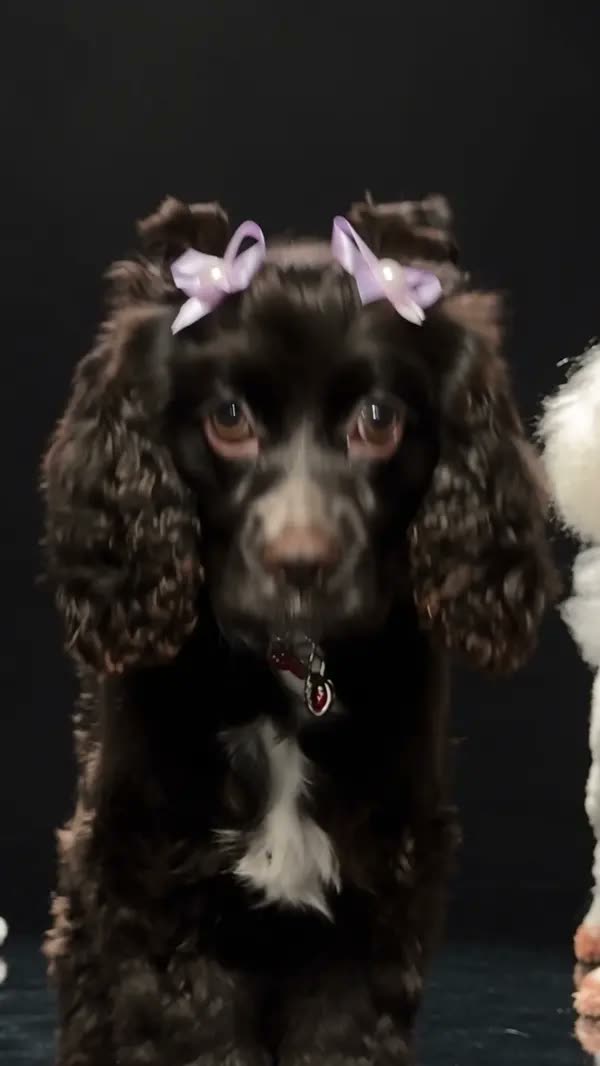
Your dog stands up and dances, your cat strikes the pose.
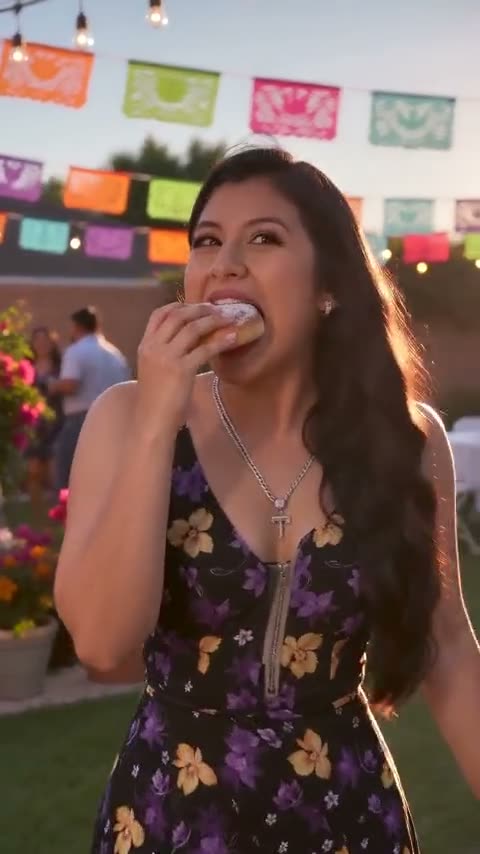
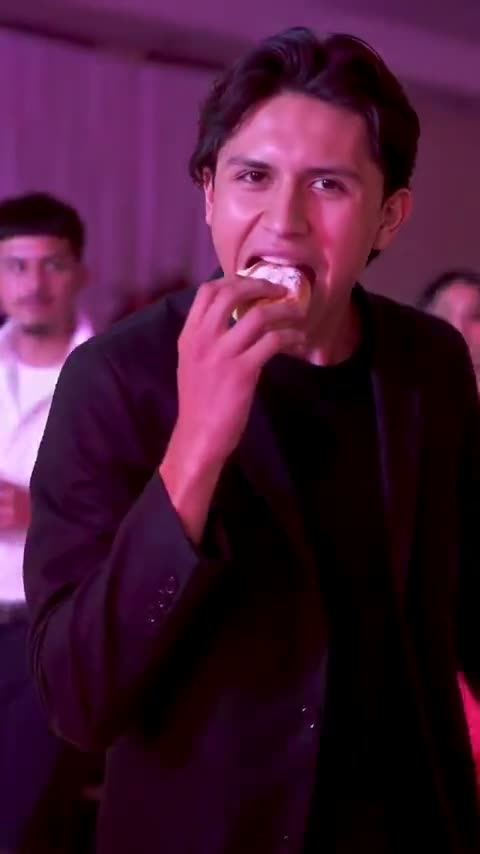
Put the guest of honor or the whole party into the hottest trend.
Make that dunk, that goal, that last-second shot yours.
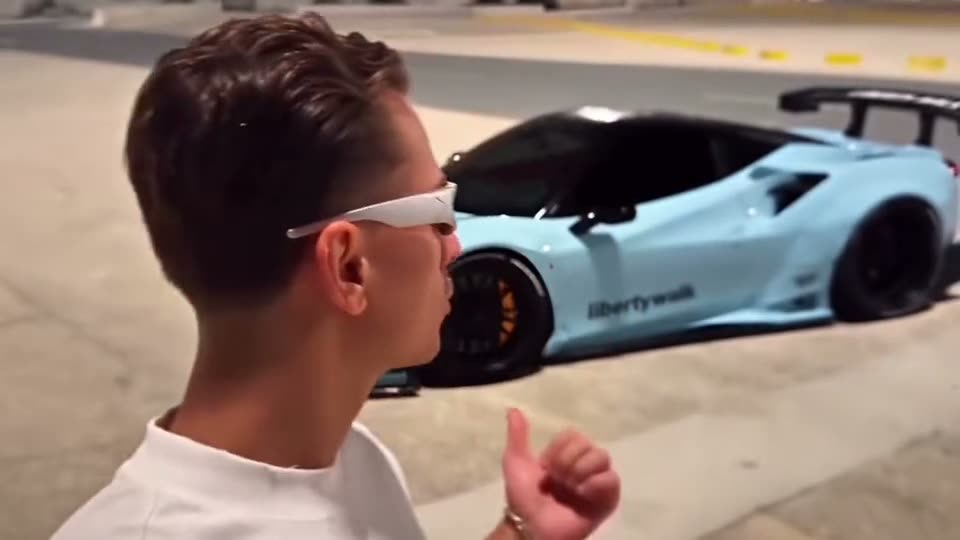
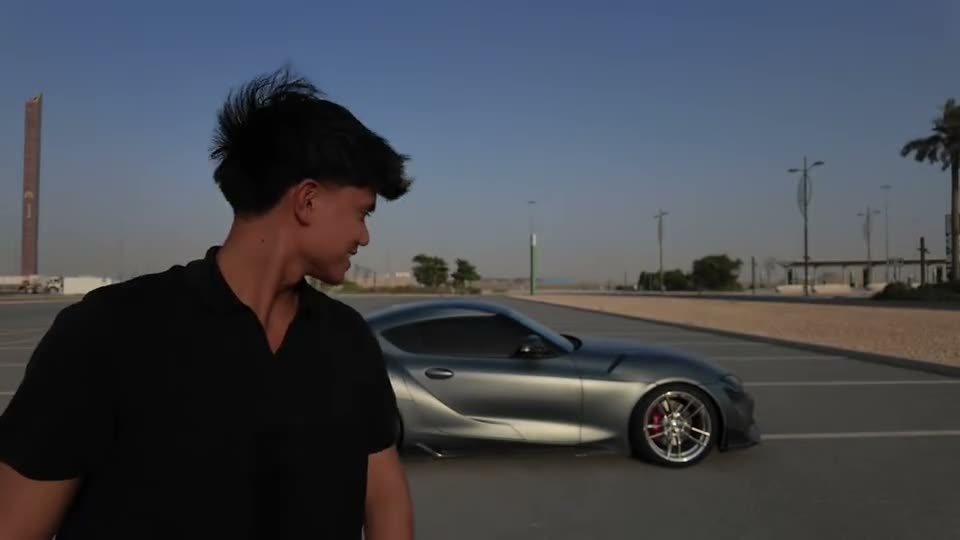
Put your product, car or logo in the hero shot of a viral video.
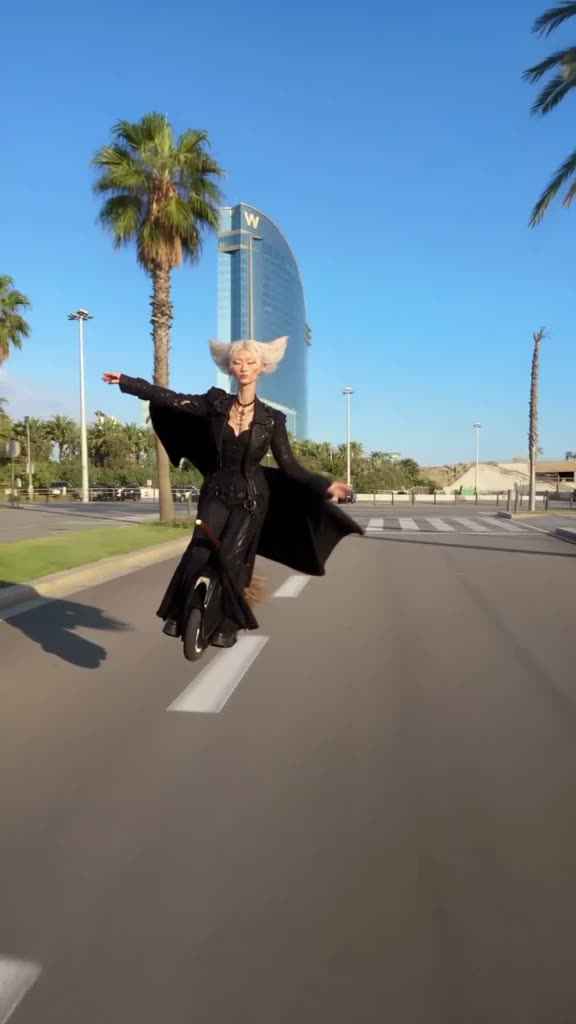
Bring a plush toy, mascot or character to life, move for move.
This is just the start.
The easiest way in
Other tools make you write prompts, hunt for clips and learn to edit. SlapClip has the trend ready: add a few photos, the whole person becomes you, every move stays on the beat.
Every plan unlocks the SlapClip generator, trend-ready templates and the next generation of videos made with your photos. Billed securely through Stripe.
Includes
Everything in Standard, plus
Everything in Creator, plus
Good questions
Everything you need to know before putting yourself in the next trend.
Talk to supportA meme video generator remakes a viral video format with you in it. On SlapClip you pick a trending meme or upload your own clip, add photos, and the AI recasts the video with your people while keeping its moves, camera and timing.
Tap Generate, add a clear photo of each person and continue. The result is designed to be ready in 3 to 8 minutes.
No. There is nothing to film, cut or keyframe and no prompt to write. Pick a meme, add a photo of each person and generate.
Plans start at $10 per month. Creator is $30 per month and Studio is $99 per month, with annual options that save 20%. The exact recurring price is shown before Stripe checkout.
No. SlapClip has no free plan and requires an active subscription before the generation queue opens.
Yes. Every example shows the finished look and the inputs that made it, so you can judge the result before choosing a plan.
Yes. Upload an MP4 or MOV between 4 and 30 seconds.
Yes. Add up to 10 images of people, pets, objects or settings. Only use images you have the right to use.
No. Photos of celebrities, public figures and children are rejected. Use photos of yourself and people who agreed to appear.
Yes. SlapClip is designed for vertical, no-watermark MP4 output ready for the major social platforms.
Join the next trend
Make your version while the sound is still climbing, and post before your friends do.